
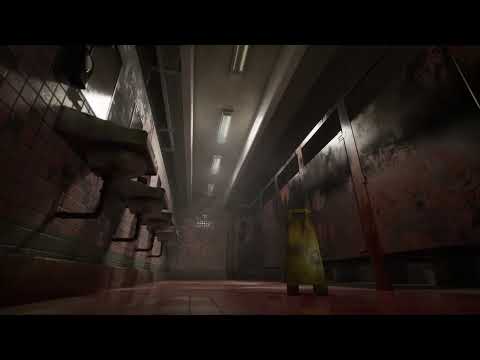
Final product:
I created a prompt to have the skull rotate 180 degrees upon player collision with a collider box. I also made it so that upon pressing G the player will turn on a point light that fades from red to white and change the base color of the skull over time from red to white.


I made sure that the skull would flip 180 degrees with the on component overlap node. I tried to make it turn around when the player exits the collision box but I couldn't figure that part out fully.

I made the material for the skull and made sure to promote the base color to a parameter since that was the aspect of the texture I wanted to change. I used the title "BC" for base color because that was easy for me to remember + type quickly.


I wanted to experiment with a light that changed over time just to make sure I fully understood how to use lerp nodes and timelines. It took a long time to get this to fade correctly over a period of five seconds.




No comments:
Post a Comment